Summary
The difficulty setting shapes how challenging Minecraft feels for your players. Minecraft offers four levels - Peaceful, Easy, Normal, and Hard - each changing how mobs behave, how damage is applied, and how survival plays out. Casual players may prefer Peaceful or Easy, while more competitive groups may enjoy the challenges of Hard mode.

Change Difficulty In-Game or Through Console
Log in to the ChipHead Panel or open Minecraft in-game.
Use one of the following commands:
In-game:
/difficulty [peaceful | easy | normal | hard]Console:
difficulty [peaceful | easy | normal | hard]

Change Difficulty Through Config Files (Permanent)
Log in to the ChipHead Panel.

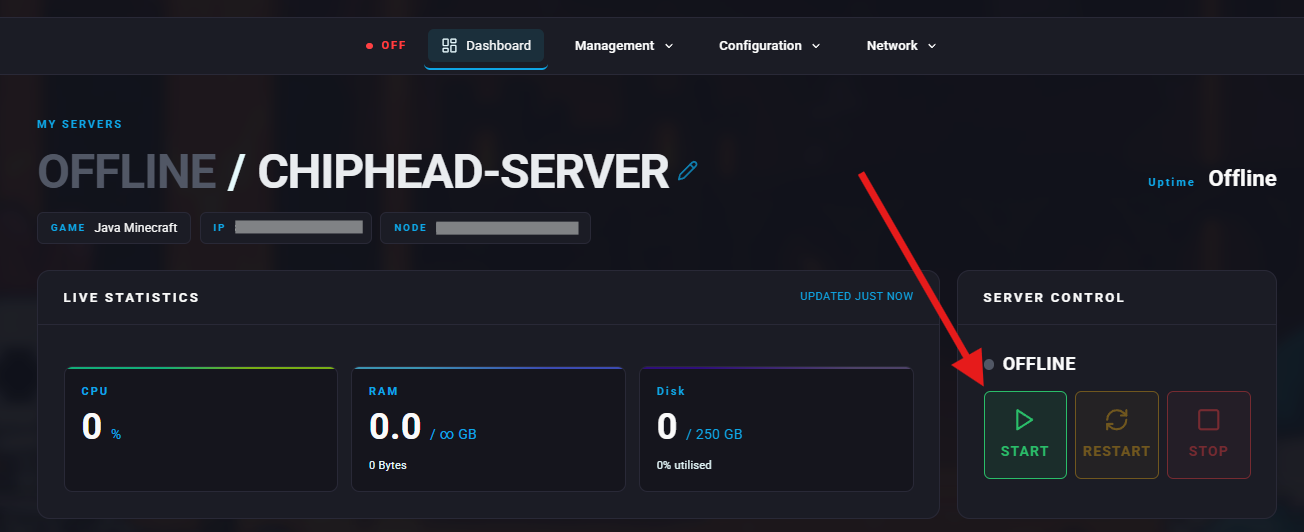
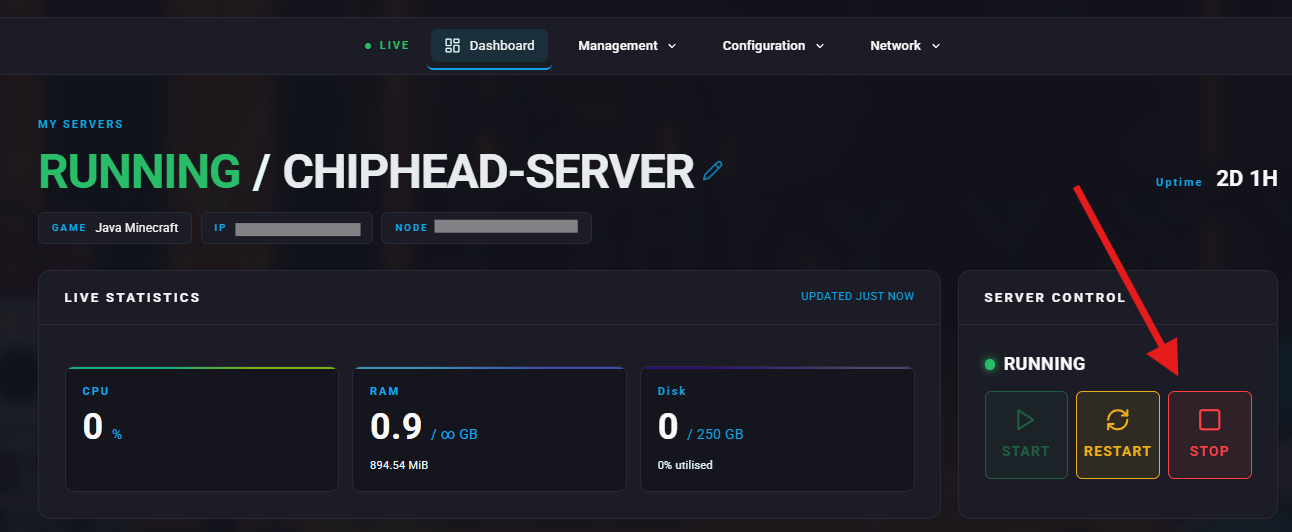
Stop your server.
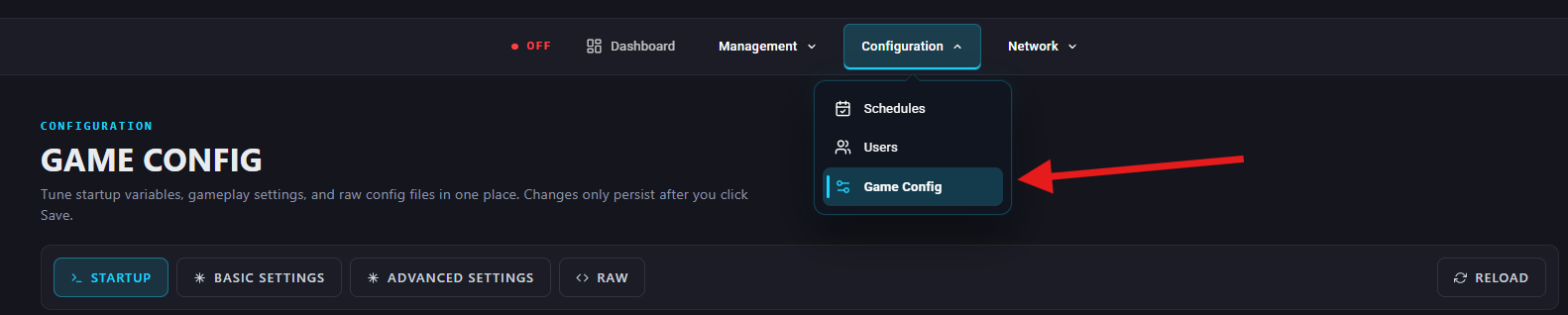
Go to Configuration > Game Config
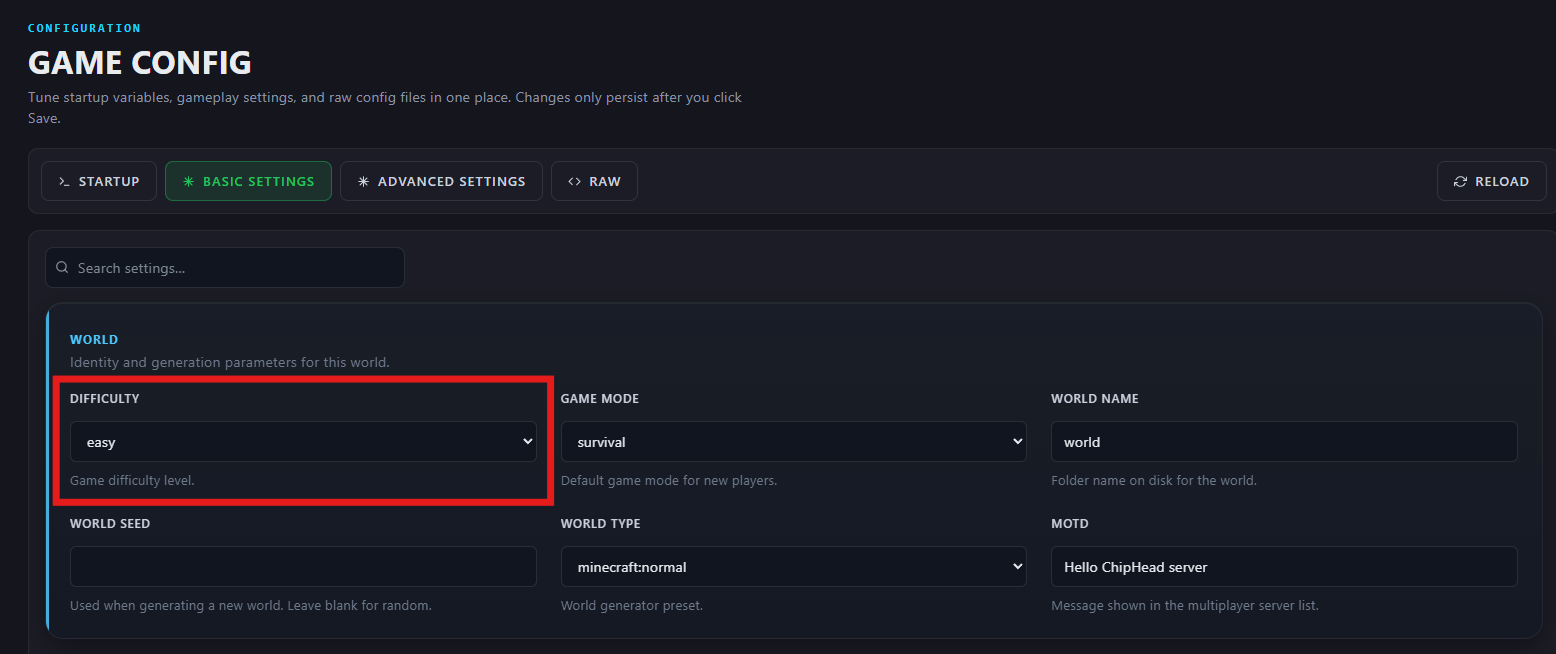
Under Basic Settings > World, find the Difficulty option or search for “difficulty” and select from the dropdown one of the following:
peaceful
easy
normal
hard
Once selected, Save Changes
Start the server to activate the new difficulty setting.