Summary
Spawn protection defines a safe zone around your server’s spawn point where non-OP players cannot place or break blocks. By default, this protected radius is 16 blocks in every direction. Adjusting this setting helps server owners balance protection for spawn builds with giving players freedom to build right away.
Requirement

Tip: Spawn protection requires at least one OP player on the server.
(Need help? Learn how to grant OP permissions [here].)
(Need help? Learn how to grant OP permissions [here].)
How to Change the Spawn Protection on a Minecraft Server
Log in to the ChipHead Panel.

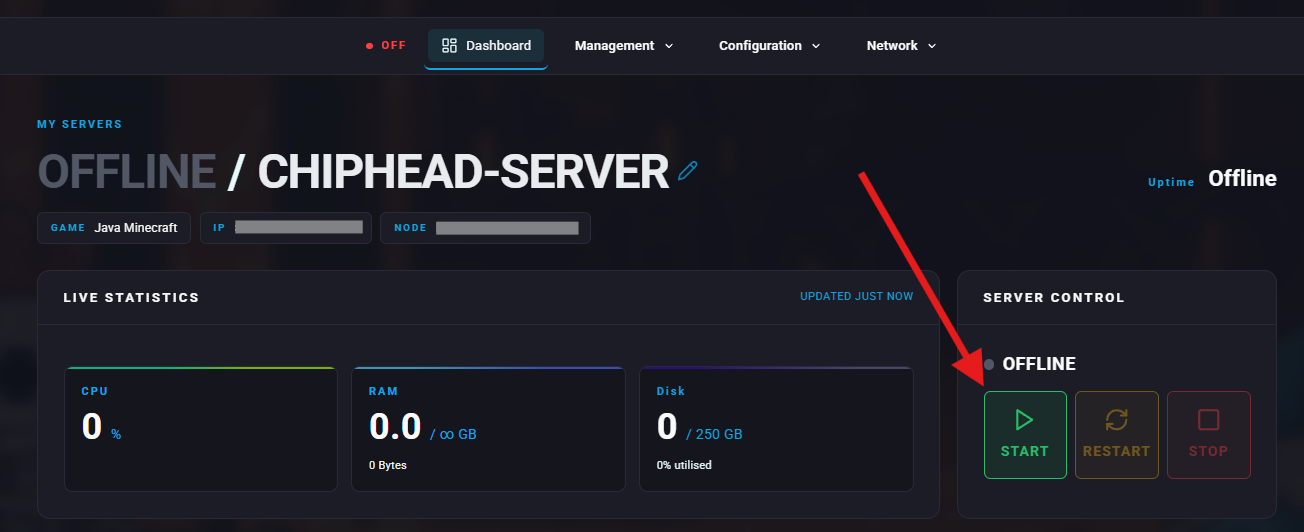
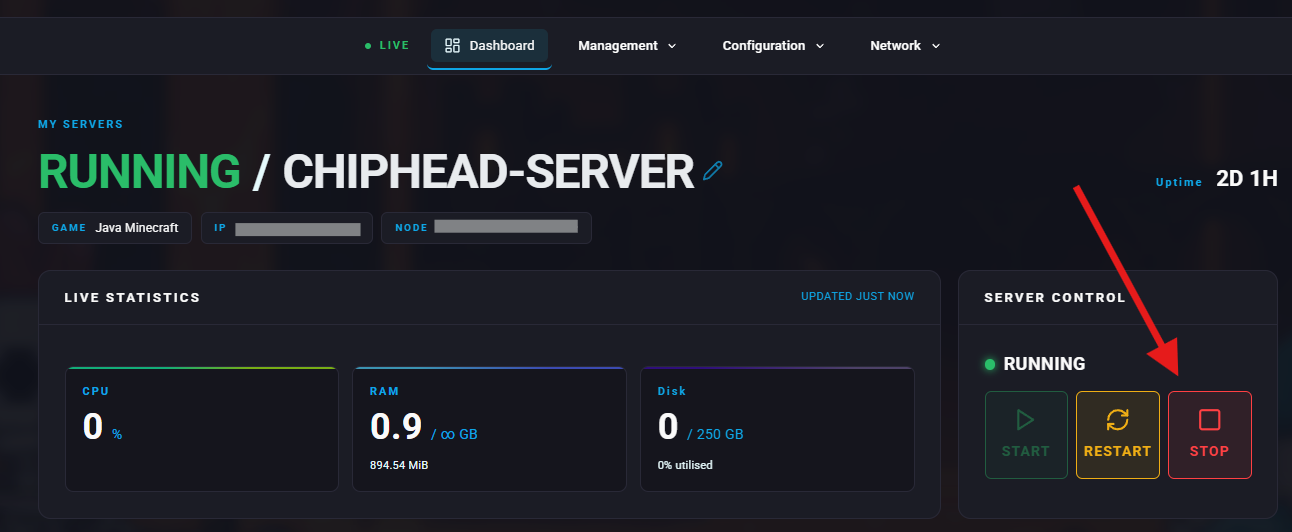
Stop your server.
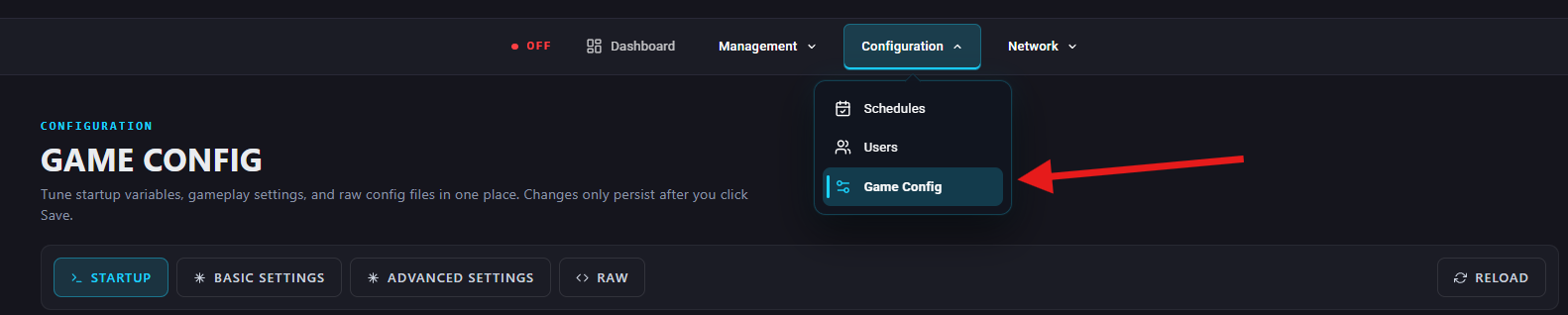
Go to Configuration > Game Config.
Under Basic Settings > Performance & Limits, find the Spawn Protection Size field or search “spawn-protection” and set your value:
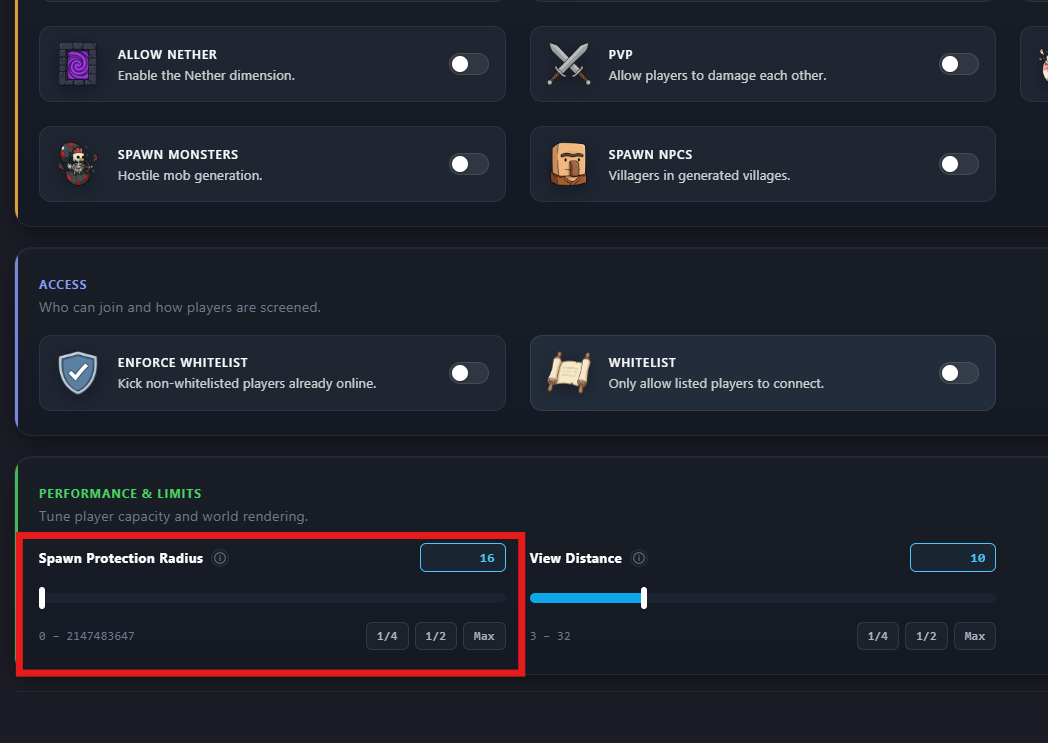
Enter 0 to disable spawn protection or drag scroller to the far left.
Enter any other number to define the radius (in blocks) around spawn.
Start your server again.