Summary
A Minecraft world seed is the code that determines how terrain, structures, and biomes generate. Knowing your seed lets you recreate or share worlds, speedrun specific maps, or design custom challenges. It’s also a great way to explore your server world offline or with friends.

Note: Running the /seed command in-game requires OP permissions. Learn how to grant OP permissions [here].
Steps to Find Your World Seed via the Console
Log in to the ChipHead Panel

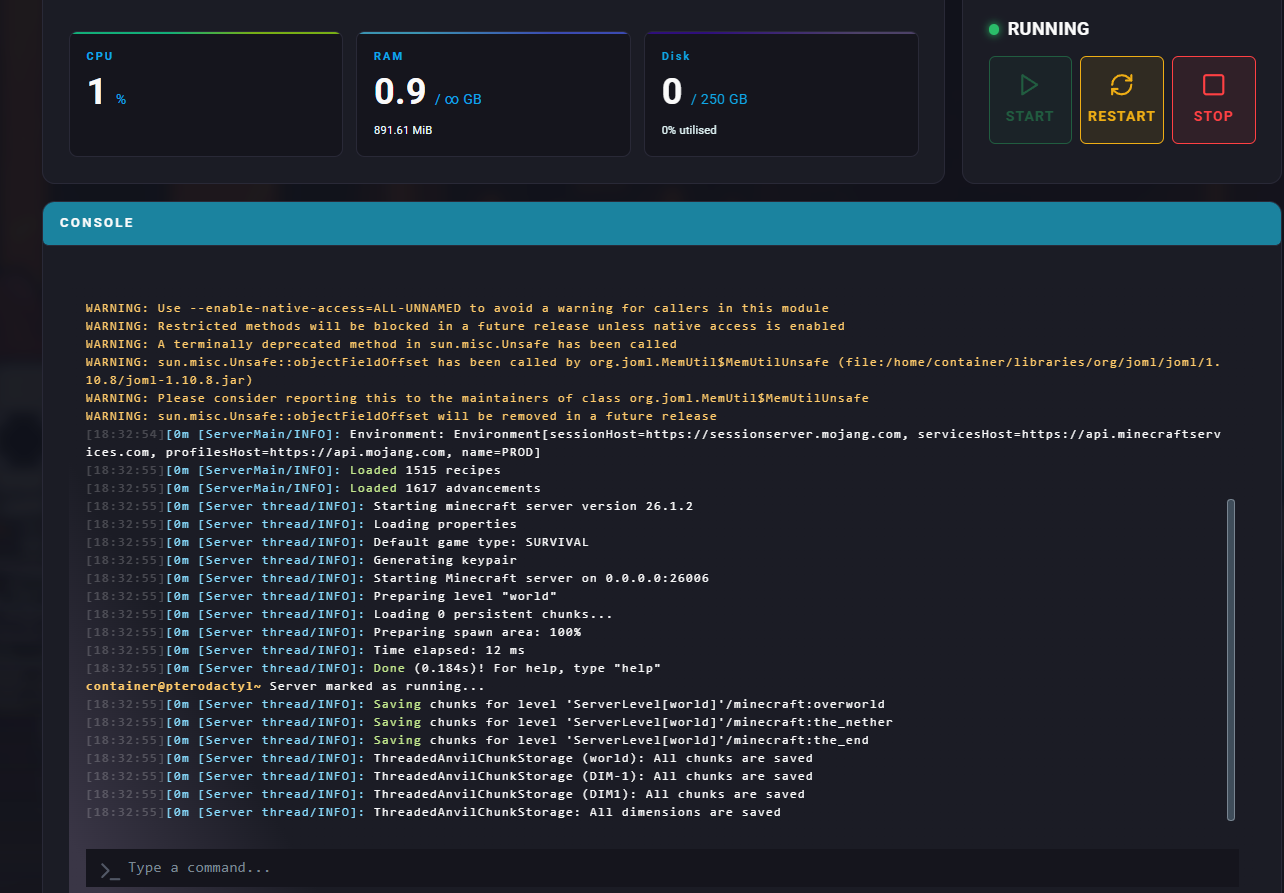
Under the Dashboard, navigate to the Console.
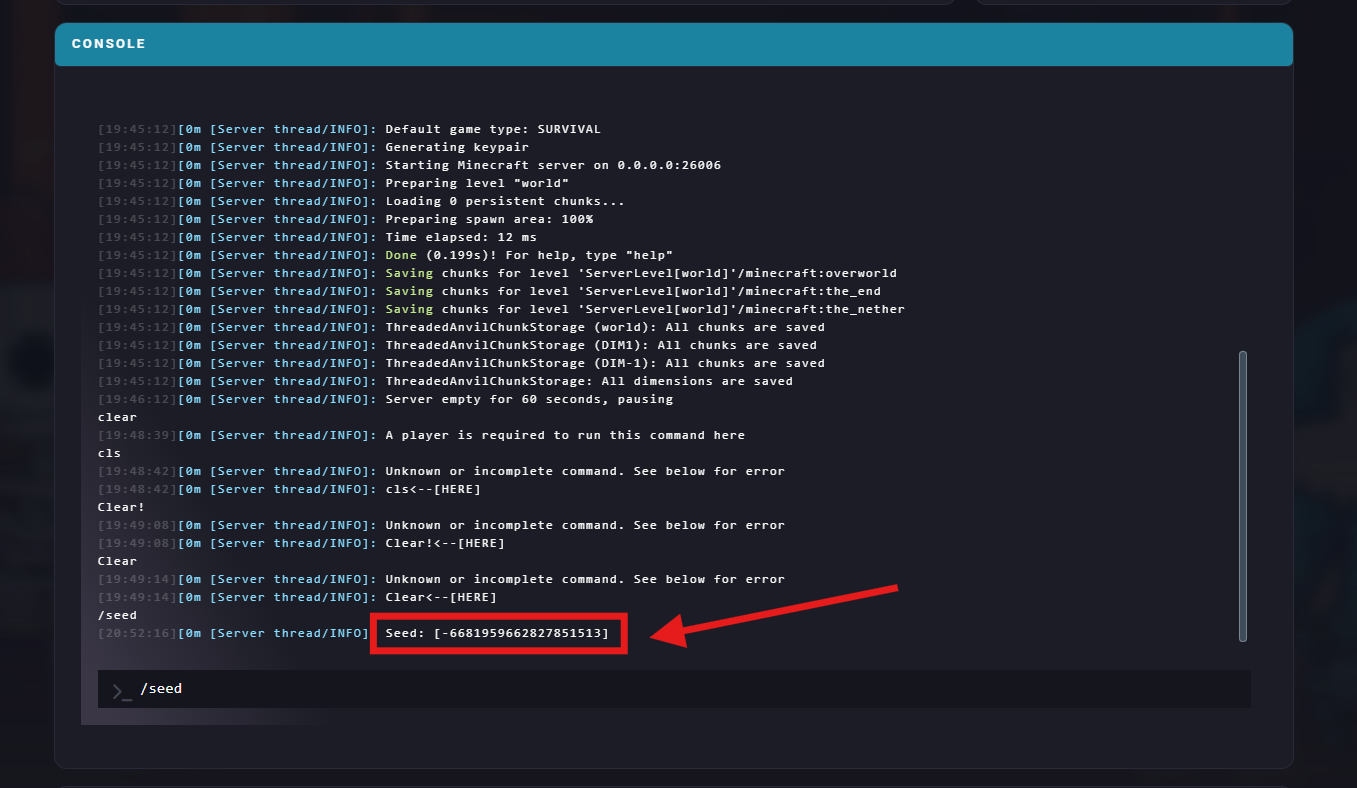
Run the command:
/seedThe world seed will be displayed in the chat (in-game) or console (panel).
Steps to Find Your World Seed via the Game Config
Log in to the ChipHead Panel
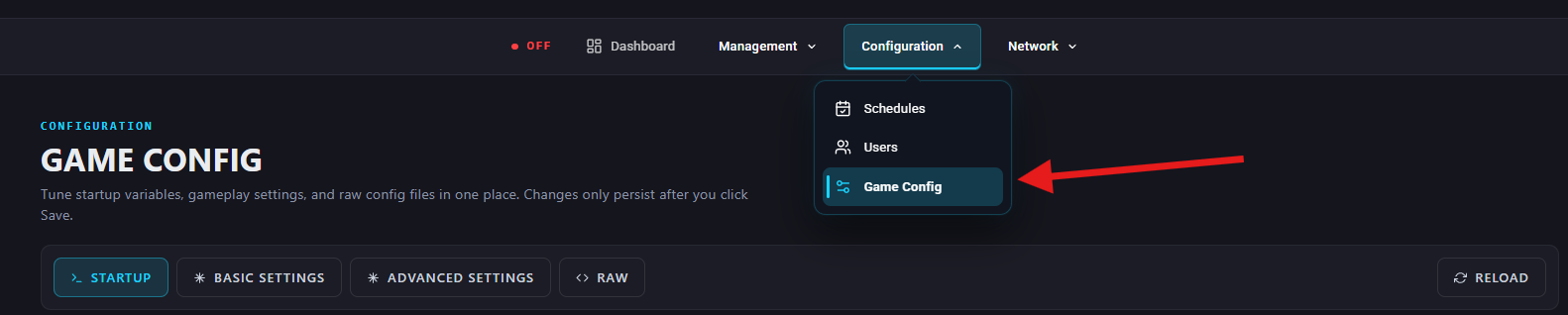
Navigate to the Game Config.
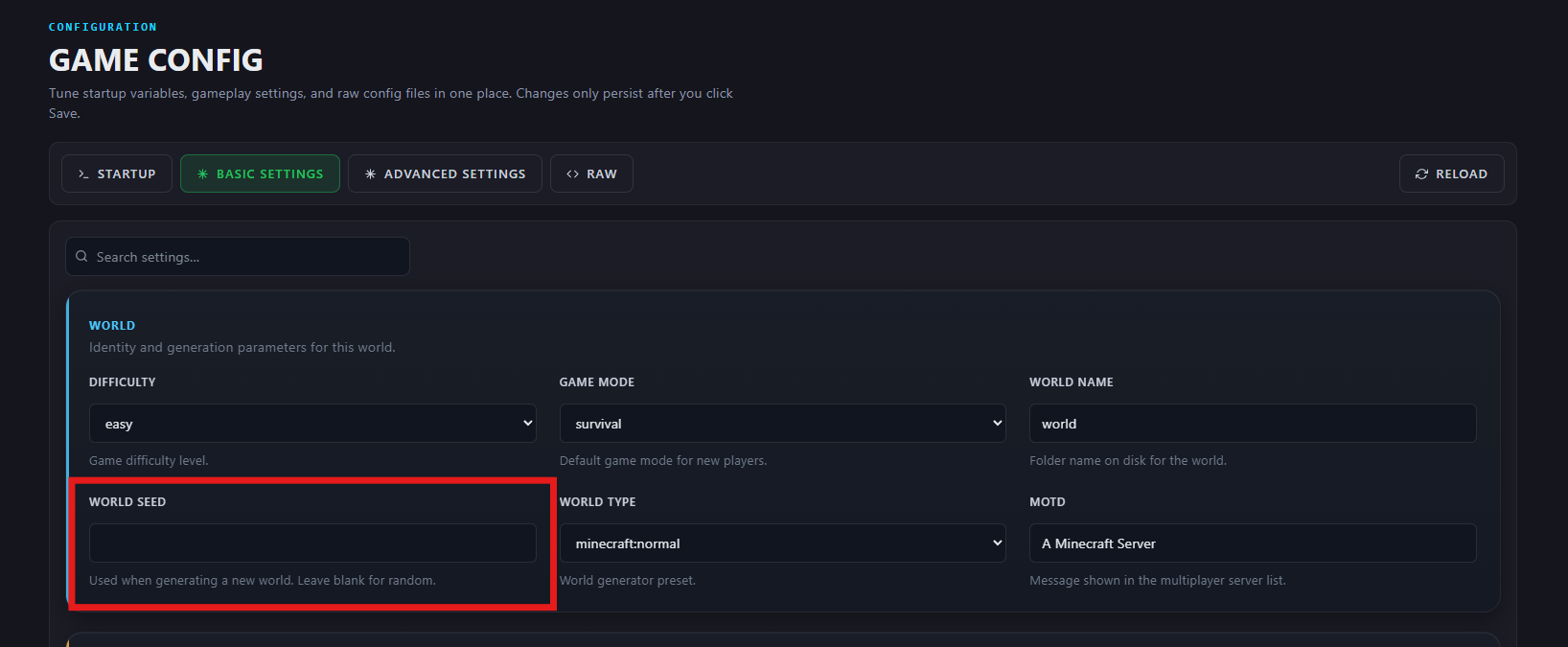
Under Basic Settings > World, find the “World Seed” field or search for “world seed” and find the “World Seed” field.