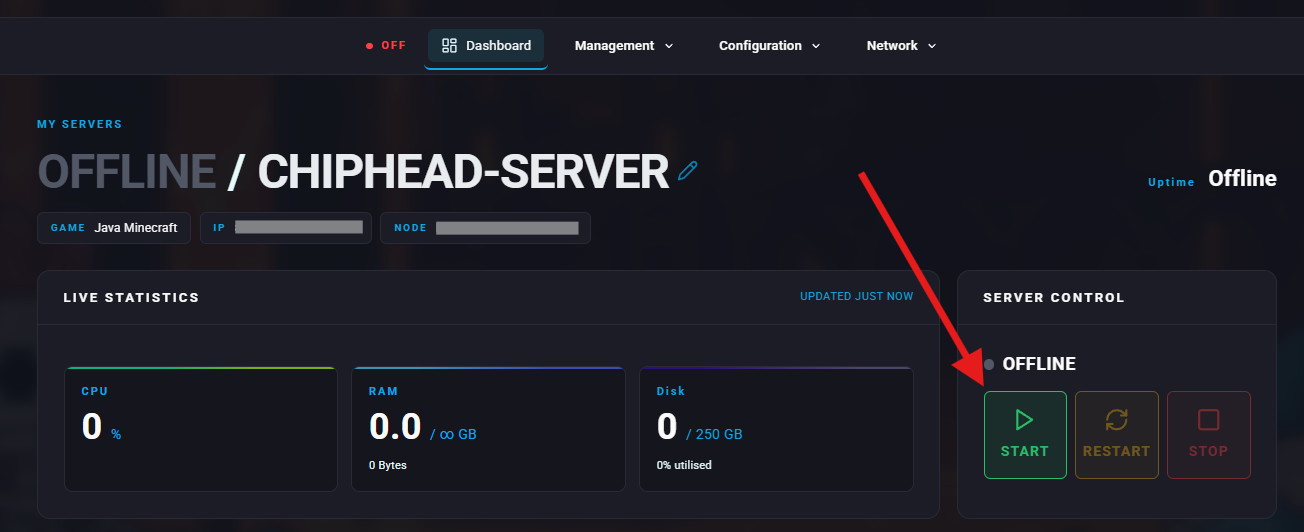
As a server administrator, you can kick or ban unwanted players using simple in-game commands.
Before removing a player, you’ll need to know their Player ID or Steam ID.
Connect to your Palworld server as an admin.

Once in game, bring up the chat window by pressing enter.
Type /showplayers and press enter.
The system will print each of the players information as: name,player,steamid.
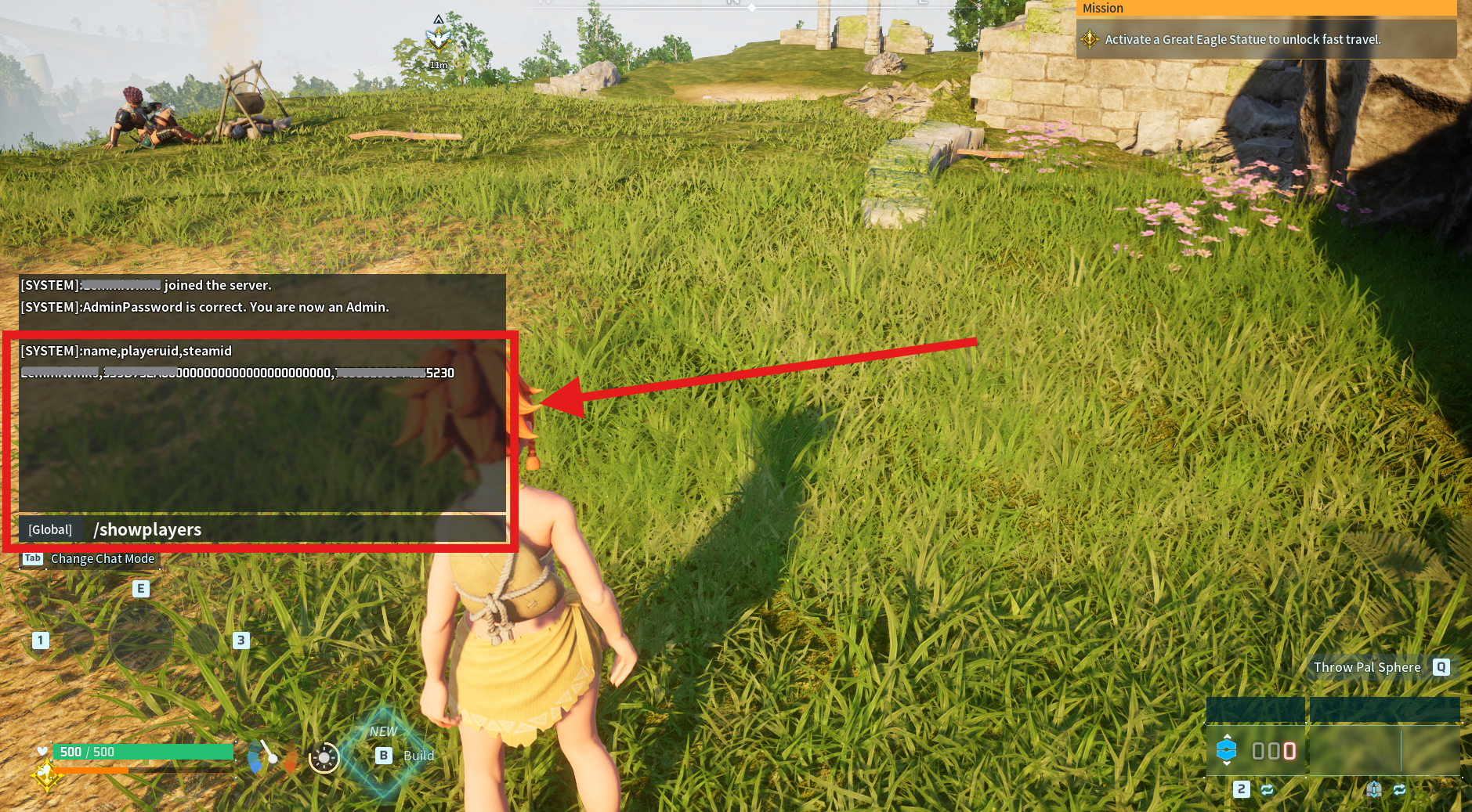
Note down either the Player ID or Steam ID of the player you want to take action against.
Use this command to immediately remove a player from your server.
Connect to your Palworld server as an admin.
Once in game, bring up the chat window by pressing enter.
Type /KickPlayer <PlayerID or SteamID>
💡 Example:
/KickPlayer <ID>

Connect to your Palworld server as an admin.
Once in game, bring up the chat window by pressing enter.
Type /BanPlayer <PlayerID or SteamID>
💡 Example:
/BanPlayer <ID>
Log in to the ChipHead Panel.

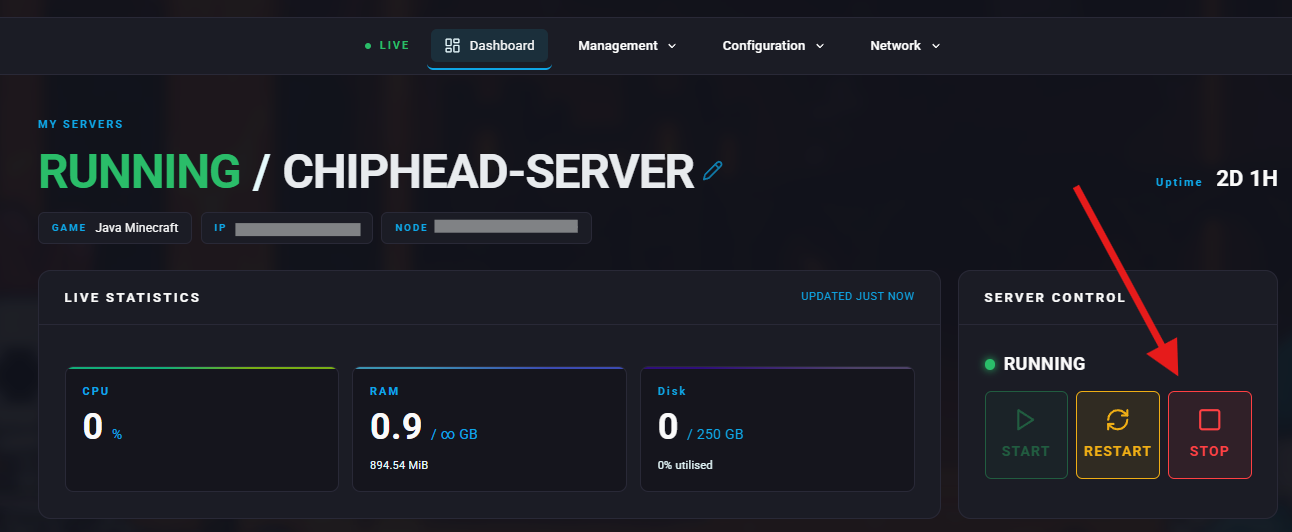
Stop your server.
Navigate to Files.
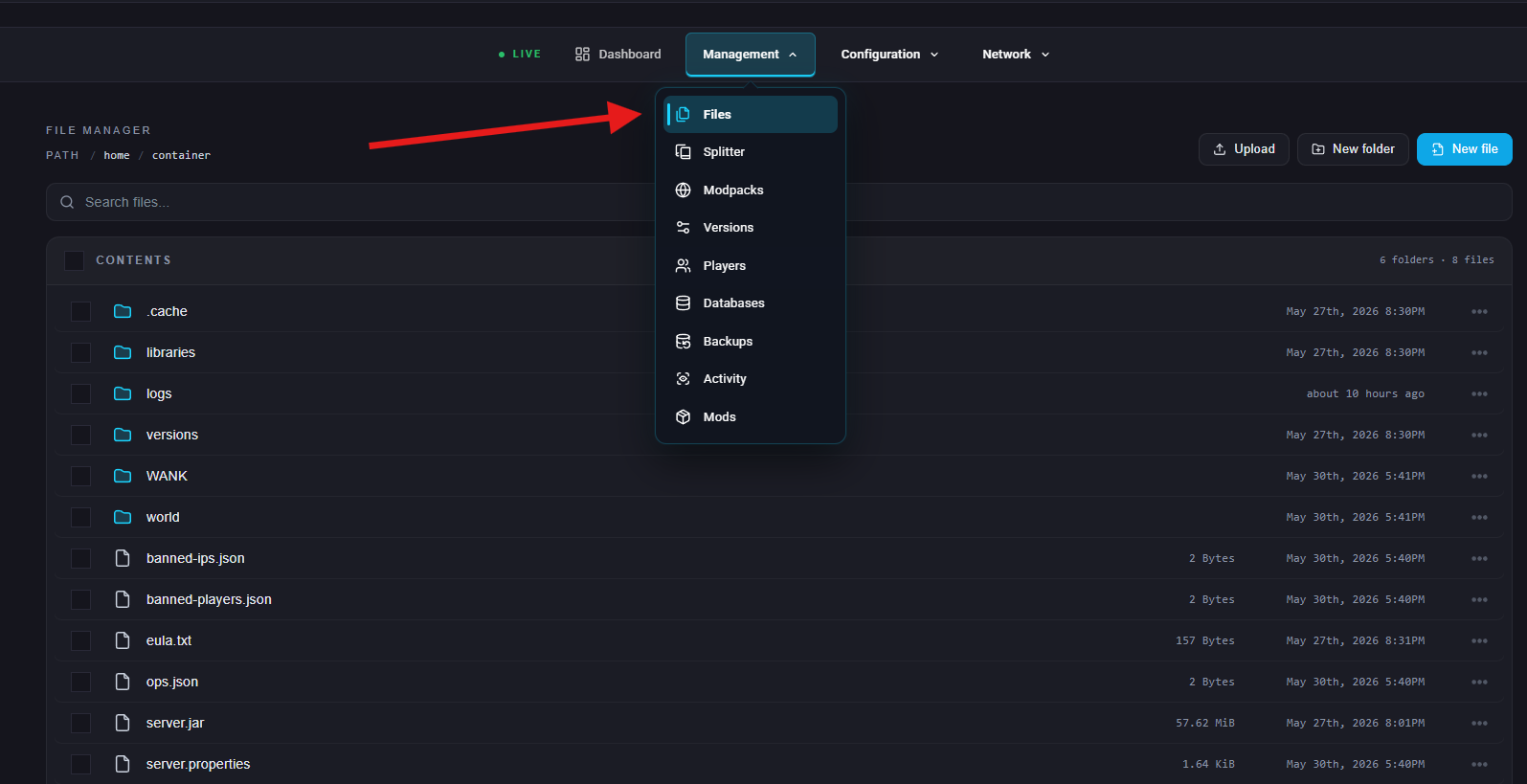
Navigate to /Pal/Saved/SavedGames/. In here you will see your banlist.txt file.
If there is no present banlist.txt file, click New Folder to create a new directory.
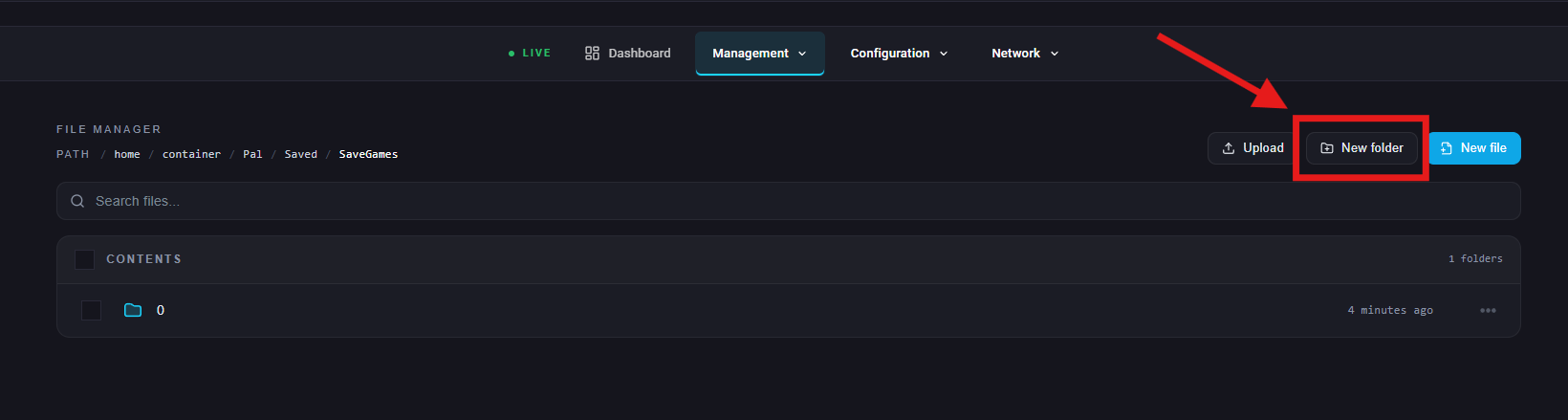
Name the file and click Create.
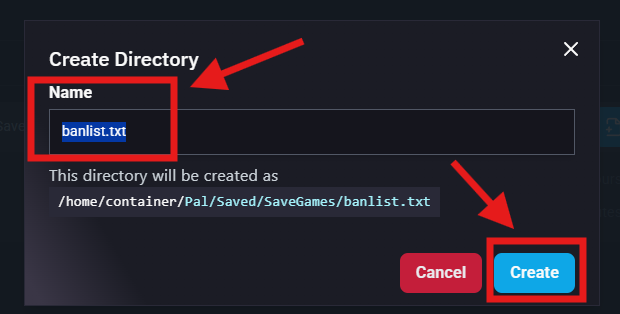
Inside this file you will now see the list of PlayerID’s or SteamID’s. Add or delete as you wish and proceed to click Save Content.
Start/restart your server