Valheim is a PvE-focused game, so when playing on a Valheim server, it’s important to only share your server details (such as the password and IP) with trusted players. However, if someone you don’t want gains access or you need to remove a player, Valheim allows you to kick, ban, and unban players directly in-game or through your server’s configuration files.

Join your server and press the F5 key to open the console.
Enter the command:ban <steamID64>
Alternatively, you can enter:ban <Character Name>


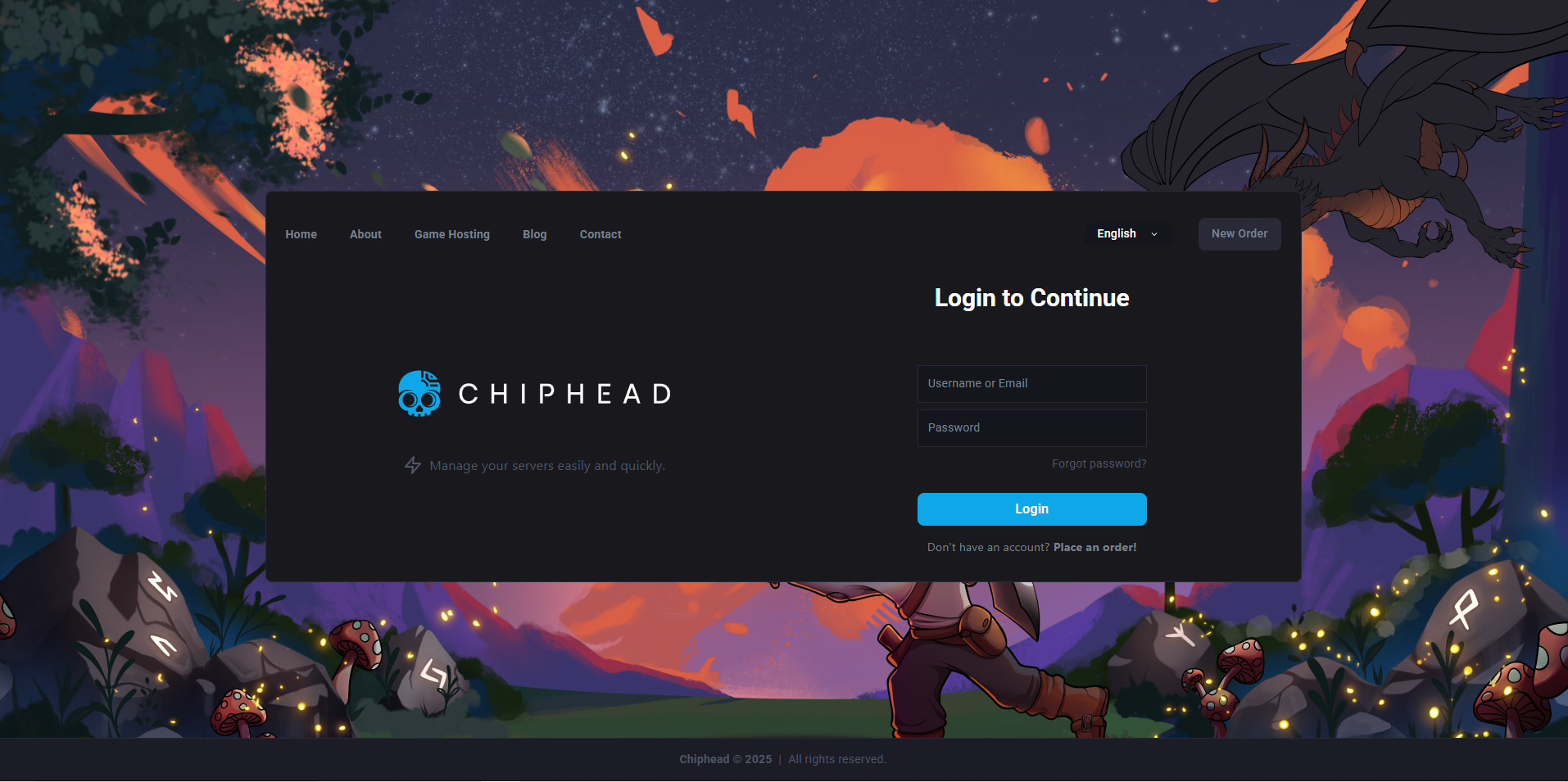
Log in to your ChipHead Panel.
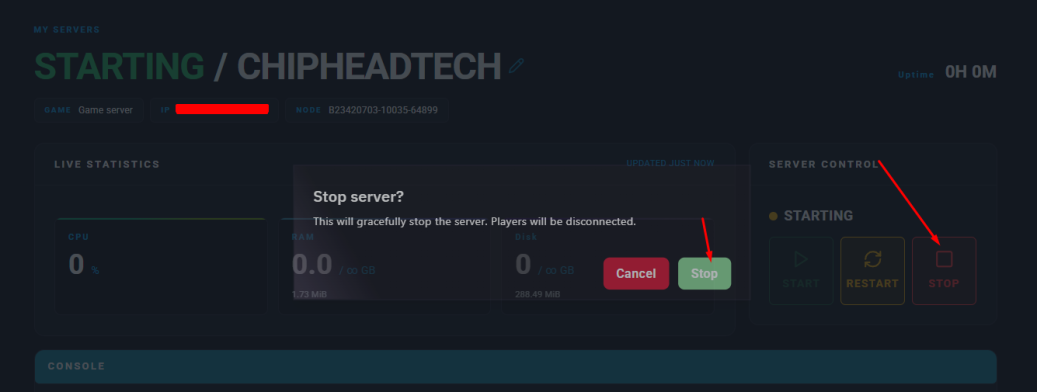
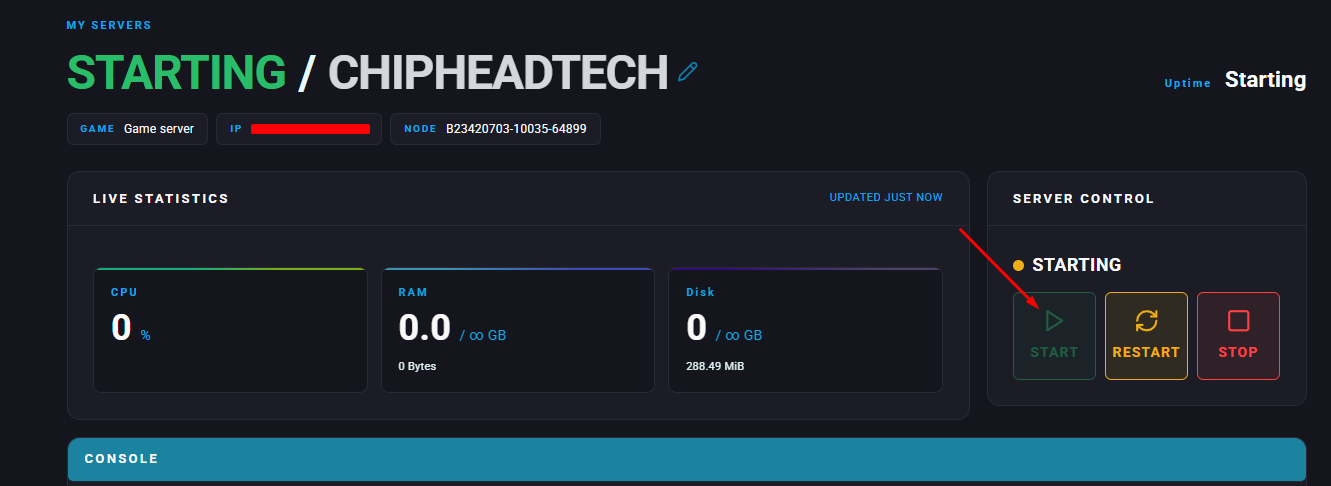
Stop your server.
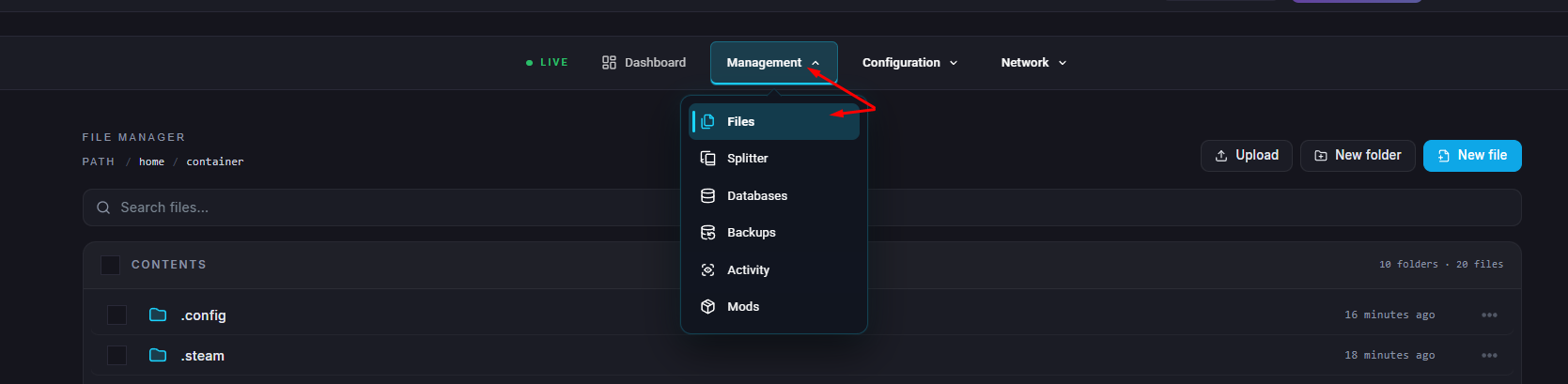
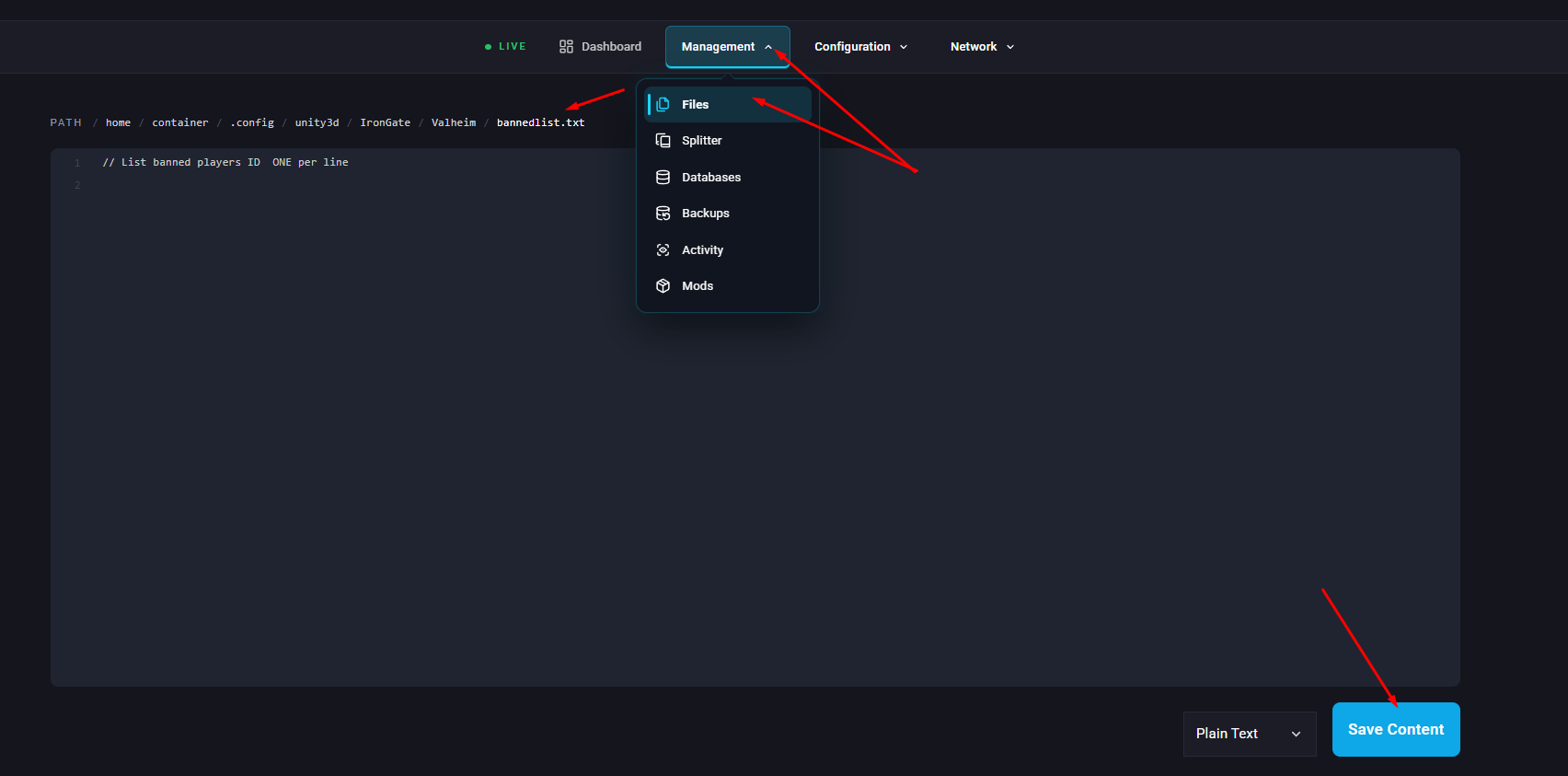
Go to the Files tab.
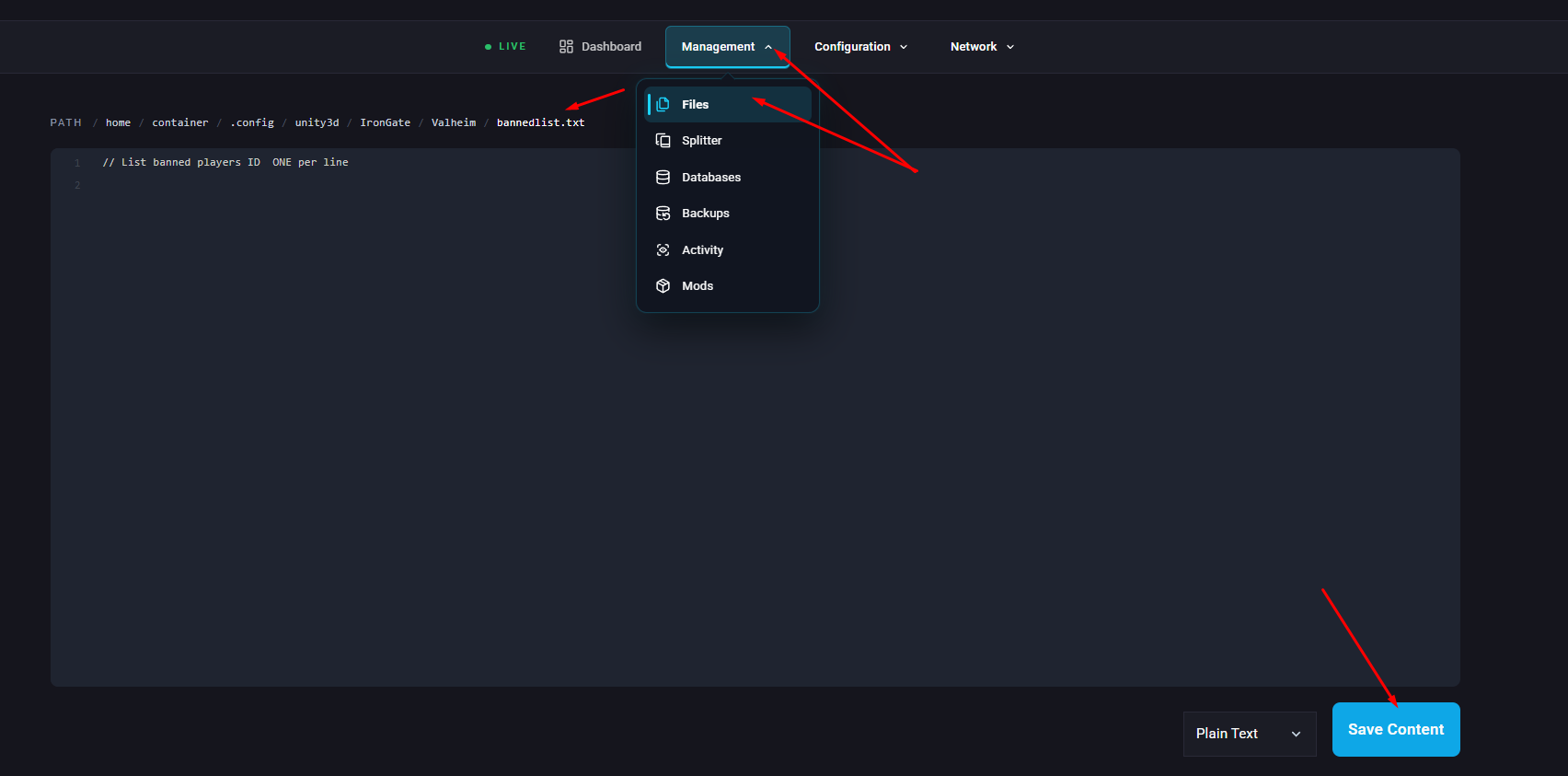
Navigate to /.config/unity3d/IronGate/Valheim/bannedlist.txt.
Add the player’s SteamID64 to the file, one ID per line and click Save Content.
Start/restart your server and the user/s will be banned from the server.
Log in to your server and press F5 to open the console.
Enter the command:banned
(This will display a list of all currently banned users.)
If your server uses a whitelist, anyone not on that list will be automatically banned. To learn more about managing your whitelist, check out our guide: How to Whitelist Your Valheim Server.
Log in to your server and press F5 to open the console.
Enter the command:unban <steamID64>
(After a few seconds, the user will be able to rejoin your server.)
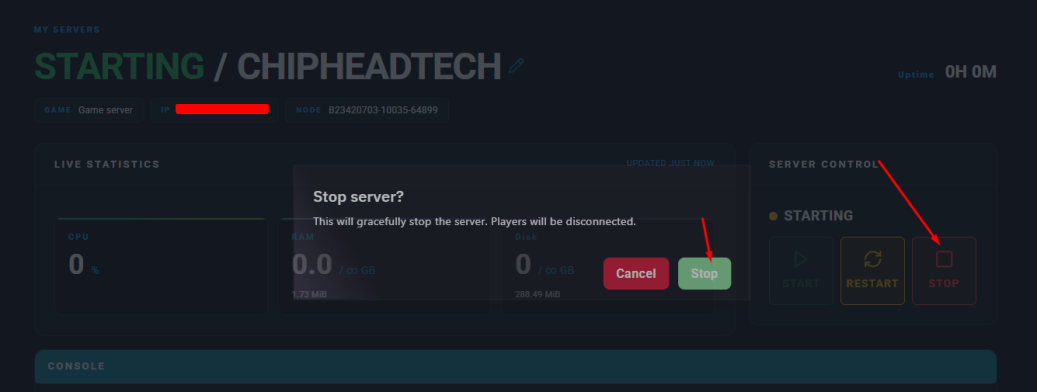
Log in to your ChipHead Panel and stop your server.
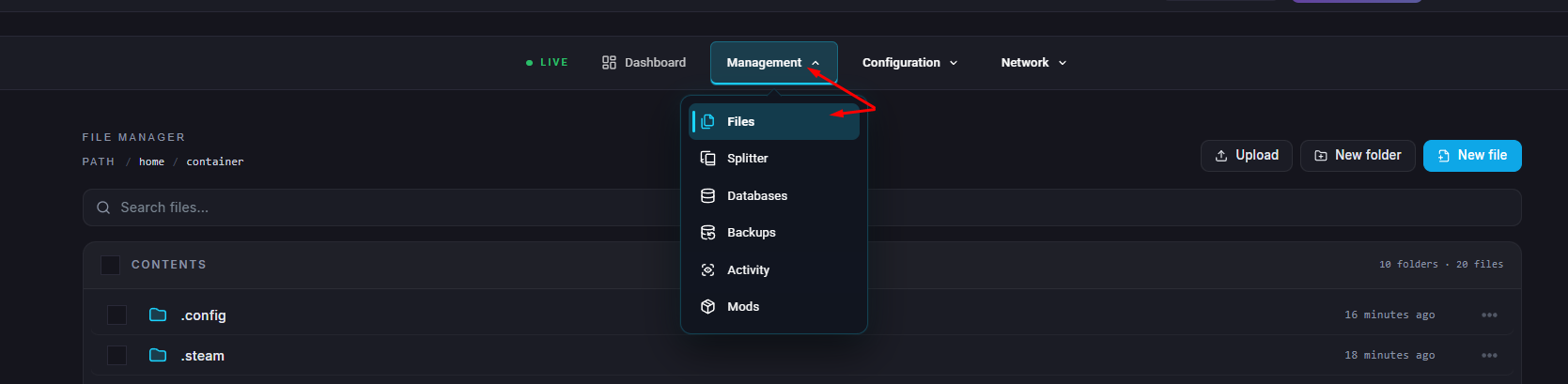
Go to the Files tab.
Navigate to /.config/unity3d/IronGate/Valheim/bannedlist.txt.
Remove the player’s SteamID64 from the list (You can use Ctrl + F to search if the list is long.) and click Save Content.
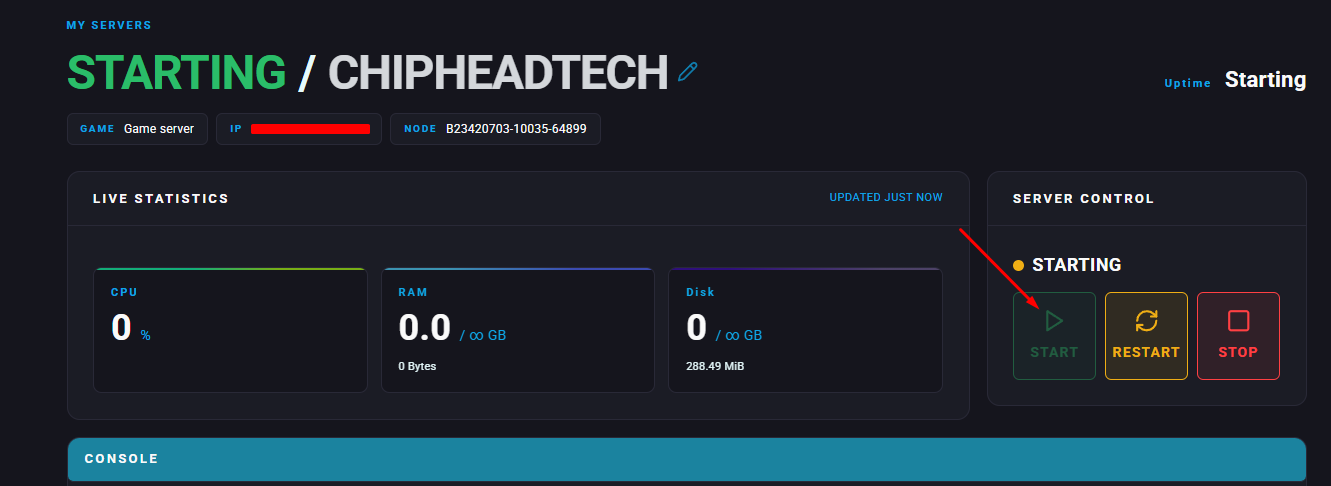
Start/restart your server.
Kicking a player is temporary and can only be done in-game.
Log in to your server and press F5 to open the console.
Enter the command:kick <steamID64>
Alternatively, you can use:kick <Character Name>
