Console commands allow admins to control gameplay, moderate players, and access server information. In the standard version of Valheim, cheat-style commands aren’t available on multiplayer servers. However, with the BepInEx plugin called Server Devcommands, admins can unlock these features safely.
Once installed, Server Devcommands gives administrators access to commands like fly, god mode, item spawning, and many more. To use it, both the server and the player must have the plugin installed, and the player must have admin permissions.
For a complete list of available commands, visit the Valheim Wiki.
Before installing Server Devcommands, make sure you’ve completed the following setup steps:
Enabled BepInEx on your ChipHead Valheim server (Check out our guide on How To Install BepInEx Onto Your Valheim Server).
Granted admin permissions to your player account (Check out our guide on Adding Admins To Your Valheim Server).
Installed BepInEx on your Valheim client
To use developer or cheat commands on your server, you’ll first need to install the plugin on your Valheim client.
Make sure BepInEx is installed on your Valheim client.
Launch r2modman.
Go to the Online tab and search for “devcommands.”
Select Server_devcommands and click Download.
Choose “Download with dependencies” to install all required files.
Once the installation is complete, click “Start Modded” to launch Valheim with Server Devcommands active.
After preparing your client and completing the prerequisites, follow these steps to add the plugin to your server:
Manually download Server Devcommands from the Thunderstore website.
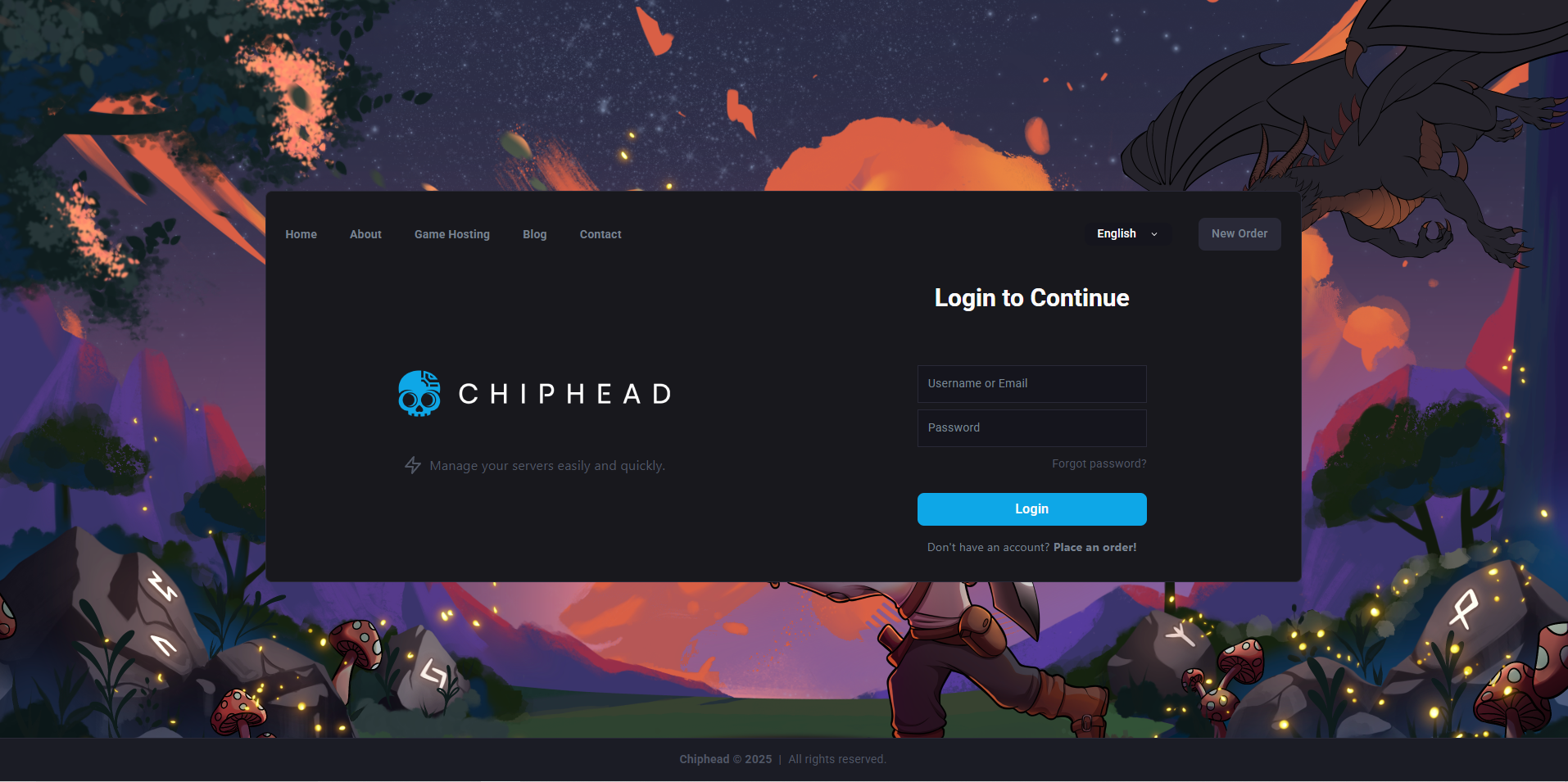
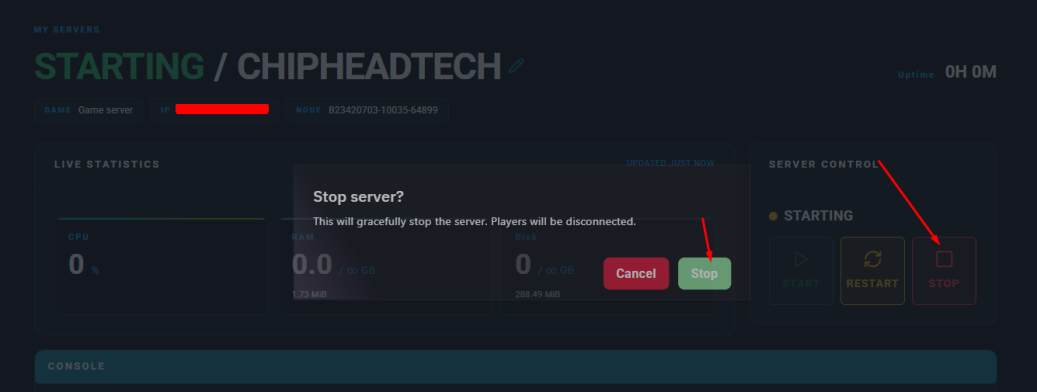
Log in to your ChipHead Panel and stop your server.
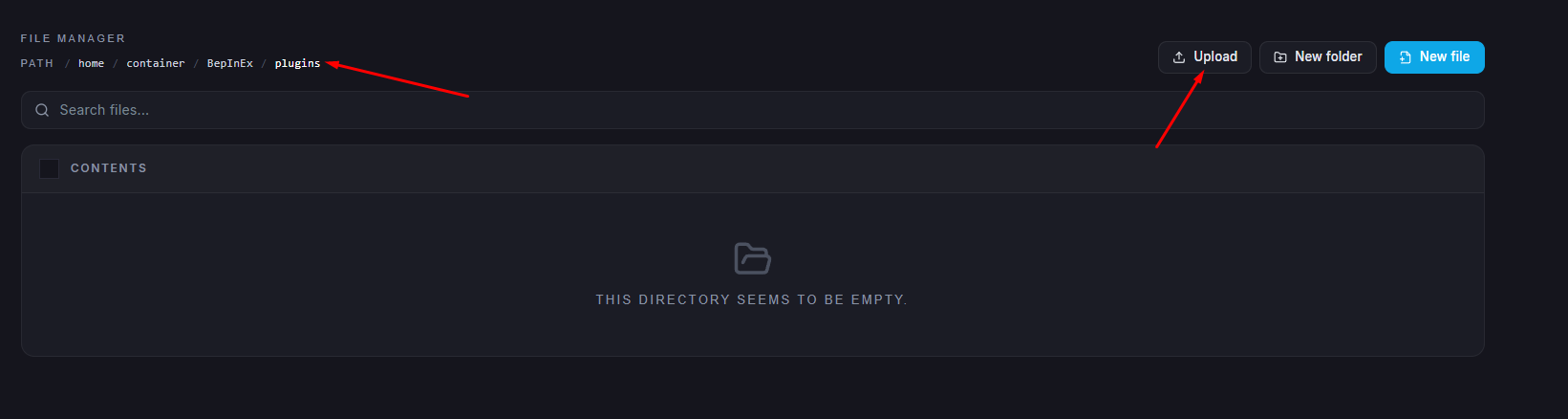
Open the Files tab and navigate to /BepInEx/plugins.
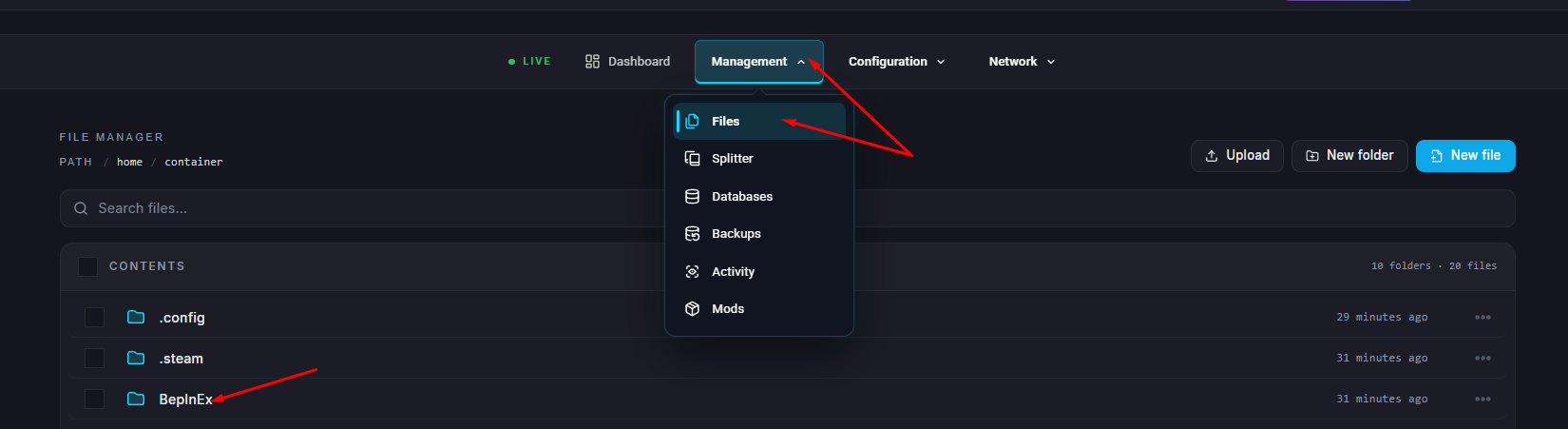
Upload the file named ServerDevcommands.dll to this folder.
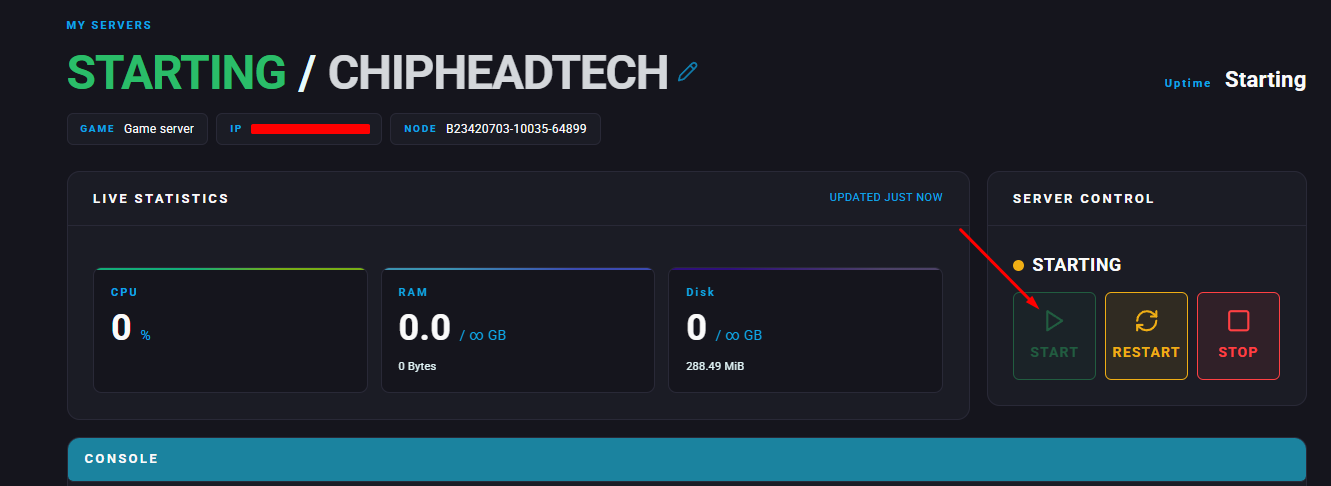
Start your server again.