Assetto Corsa is a realistic racing simulator that offers a wide selection of vehicles and tracks, as well as extensive mod support from the community. Players can enhance their experience with additional cars, circuits, and AI traffic mods. This guide explains how to join a multiplayer server either through the in-game browser or by connecting directly, which allows players to skip the browser and join a race instantly.

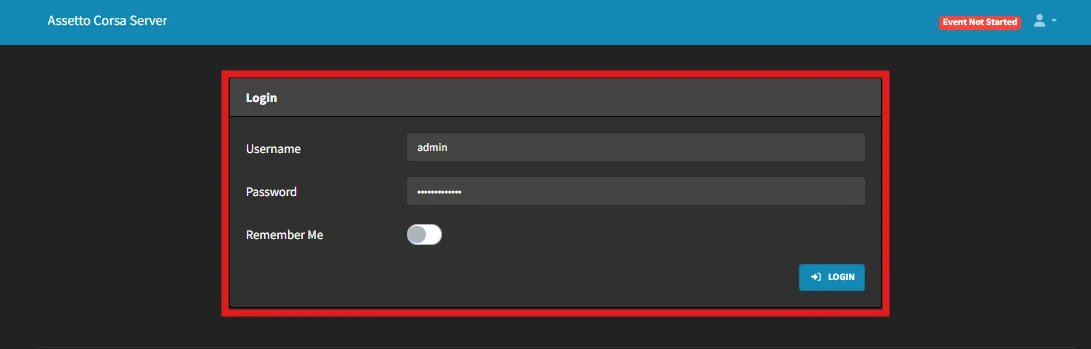
Login to your ChipHead Assetto Corsa Server
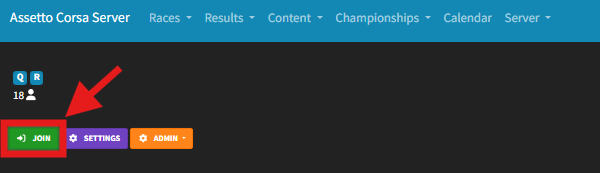
Start a “Quick Race”

Select “Join”
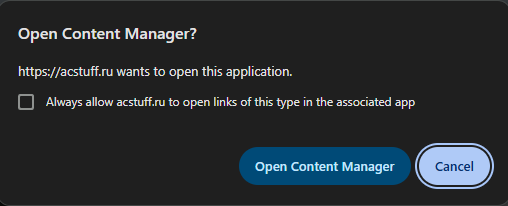
A new tab will appear, If you have Content Manager installed select “Open Content Manager”
If you don’t have Content Manager installed please install it from here
(OPTIONAL) Enter a password if you have set one and select “Join” from your Content Manager window
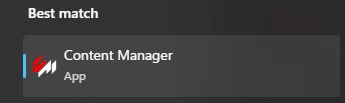
Launch Content Manager
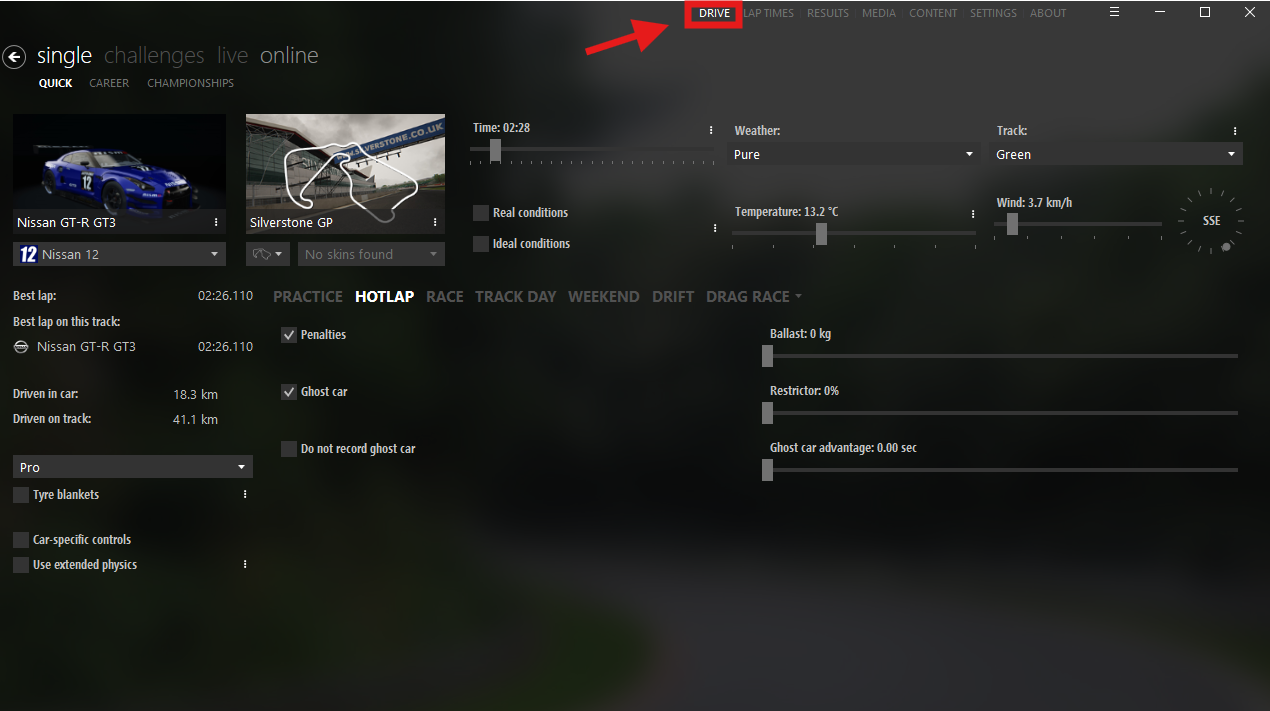
Select “Drive” from the top-left corner
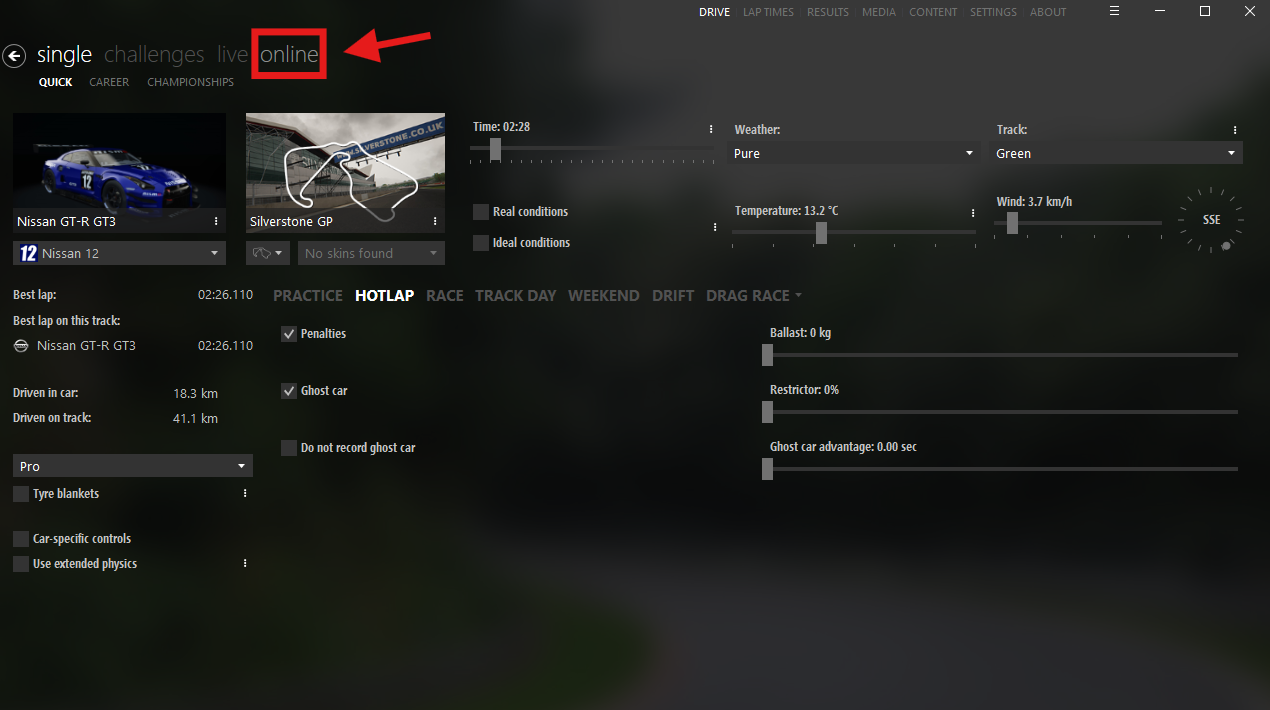
Go to the Online tab.
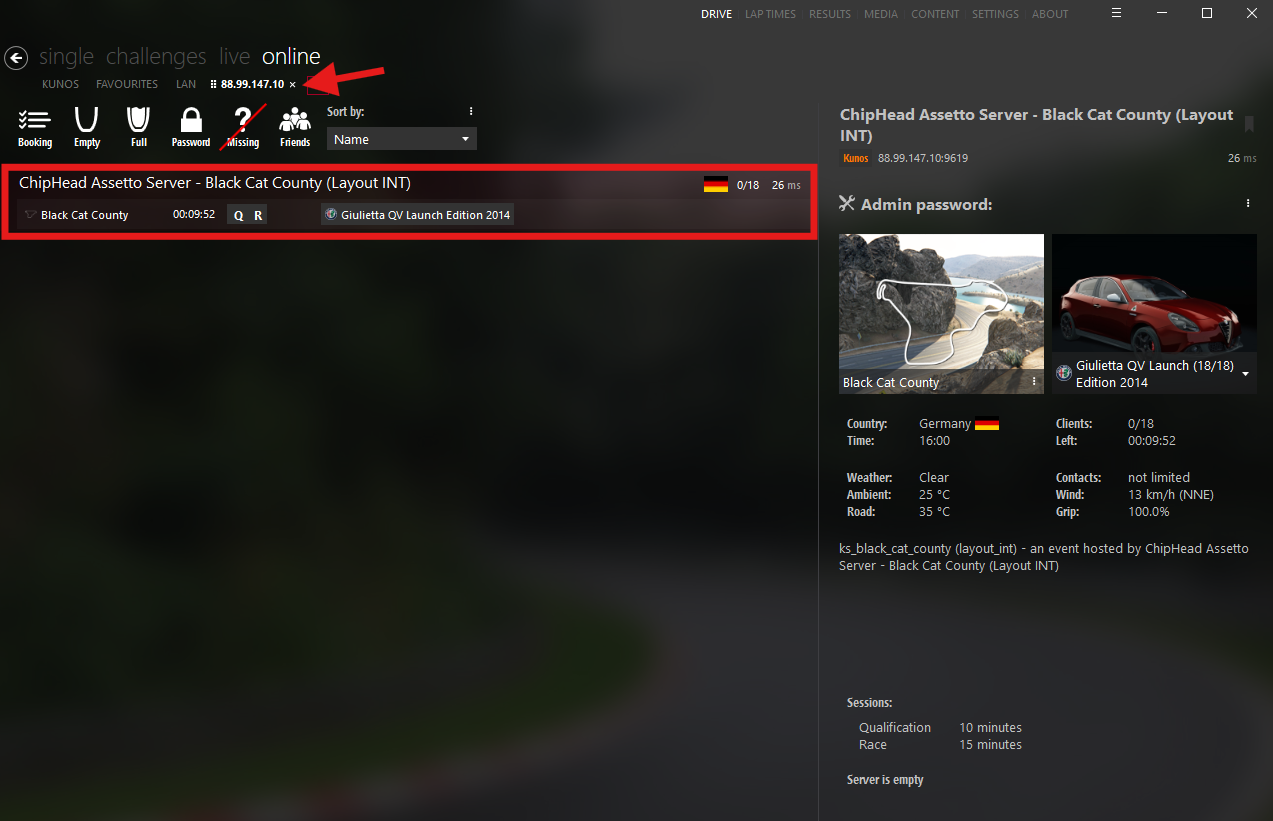
Search for your server’s name or IP
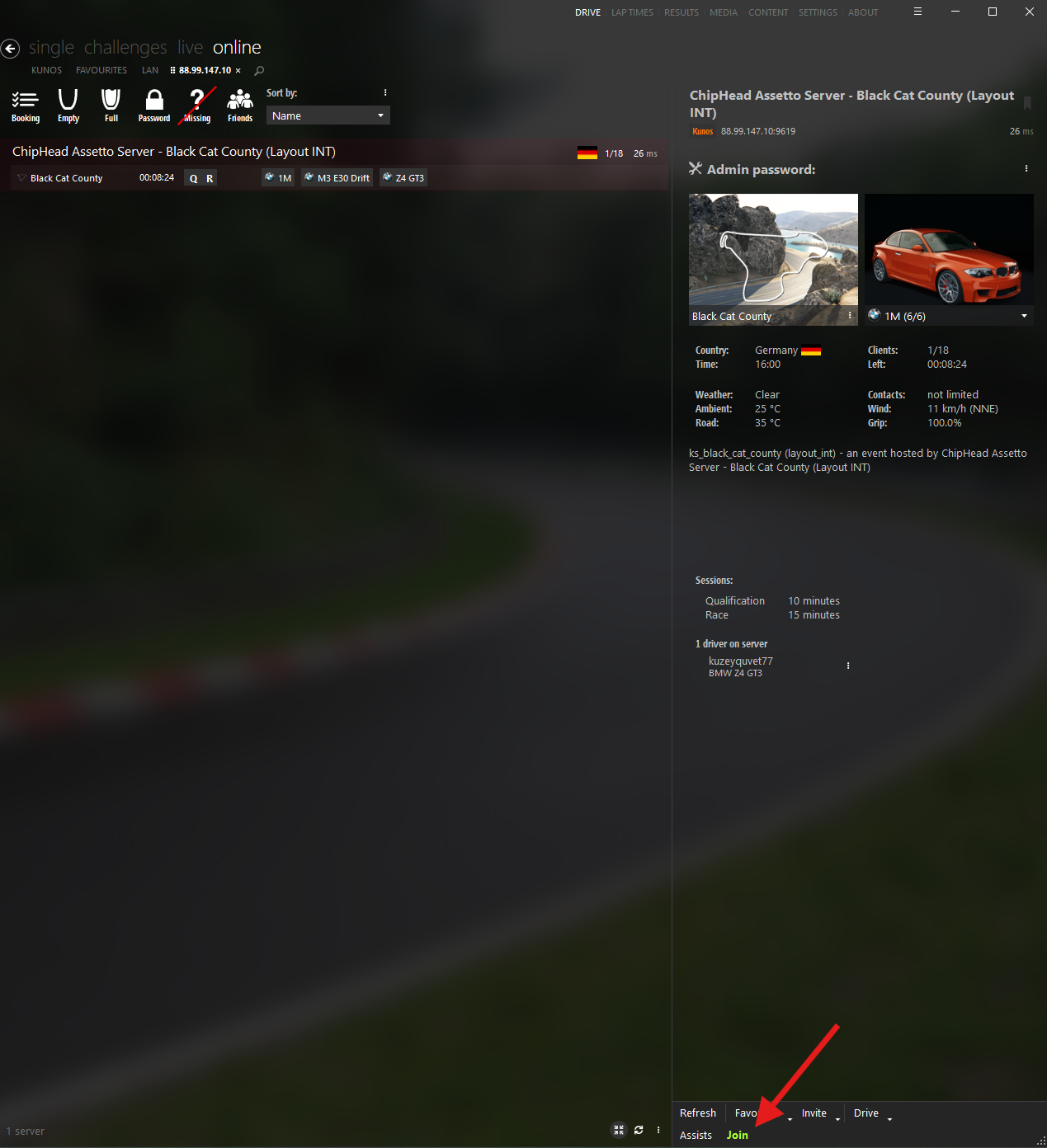
Select the server, enter a password if required, and choose your car.
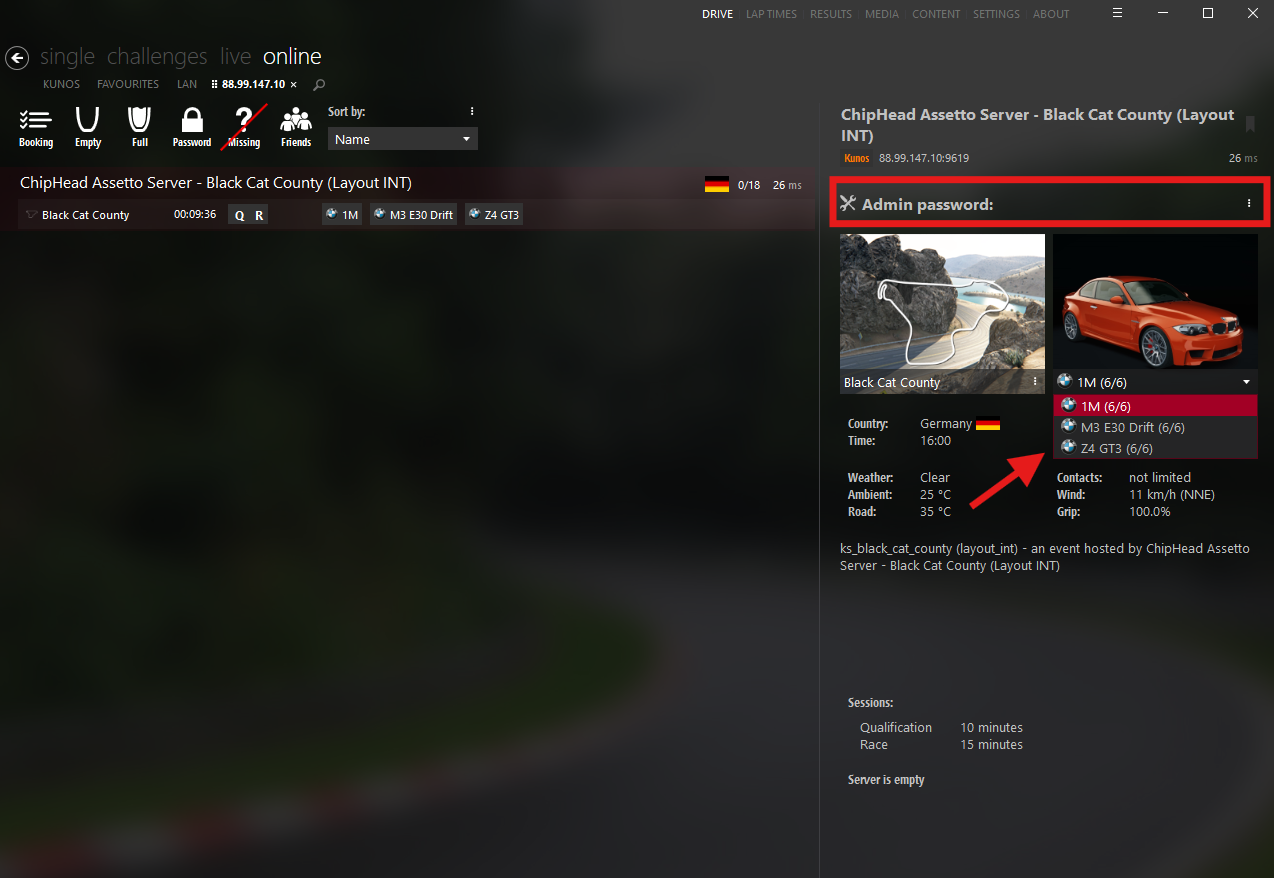
Click Join to connect to the server.
Go to the following folder:
/Documents/Assetto Corsa/cfg
Open the “Race.ini” file in Notepad.
Locate the “SERVER_IP” & “SERVER_PORT”
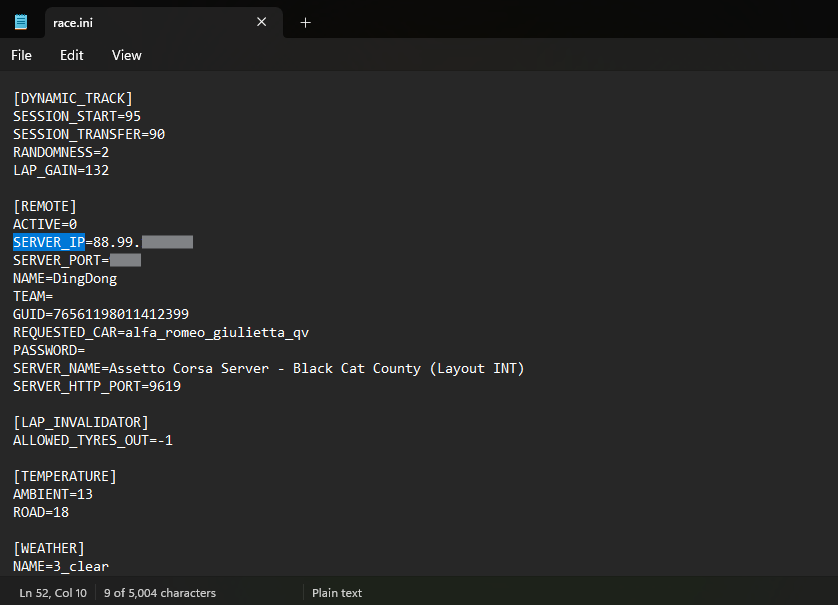
Click File > Save to save your changes.
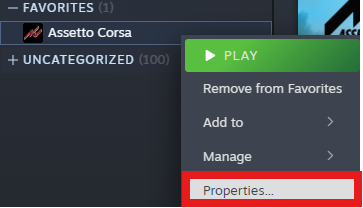
In your Steam library, right-click Assetto Corsa and choose Properties.
In the Launch Options field, enter /spawn
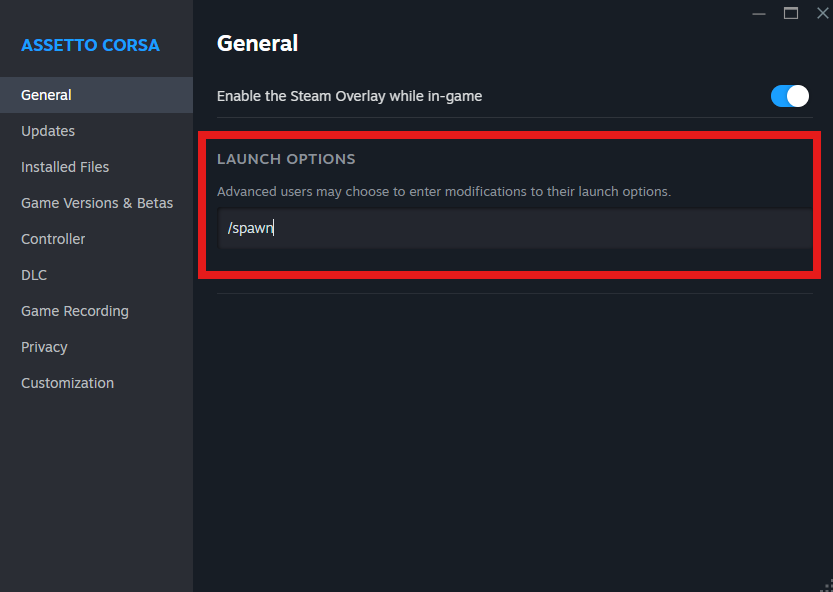
Launch the game it will automatically connect to your server.

